إدارة ملفات تعريف الارتباط المستخدمة للإعلان، مثل تخصيص الإعلانات وتجديد النشاط التسويقي وتحليل أداء الإعلان.
2.2.13. Hosting account settings
Attention!
All commands that were manually entered in the.bashrc file will be deleted after saving the changes.
Hosting account settings are managed in the "Hosting account settings" section (or "Hosting → Hosting account settings").
Console
After connecting via SSH, you can work with your hosting account by entering commands in the Bash shell. Bash has a configuration file named .bashrc, which is located in the root directory of your hosting account. Commands from this file are automatically executed every time the shell is launched. In the control panel, you can configure basic shell settings: install the desired versions of PHP, Node.js, Python, and Go, as well as set up the necessary aliases.
PHP version
In the "PHP version" block, the PHP version that will be used in the console is set: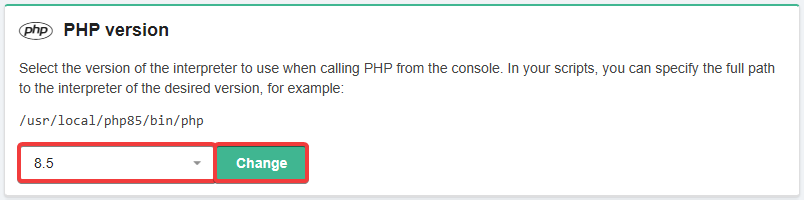
Node.js version
Attention!
Full functionality of Node.js is supported only on business hosting plans. On shared hosting, Node.js can only be used in the console; you cannot run sites or apps that need to listen on ports and be accessible from the outside.
In the "Node.js version" section, the version of Node.js that will be used in the console is set (this also affects the npm version — each Node.js version has its own maximum allowable npm version):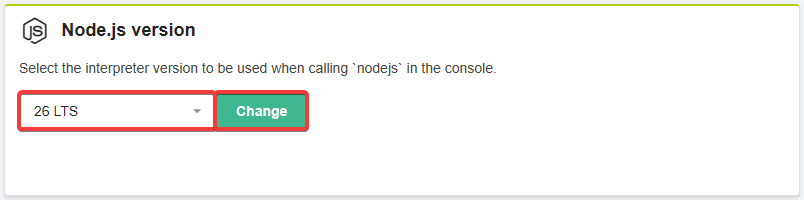
Python version
In the "Python version" block, the version of Python that will be used in the console is set: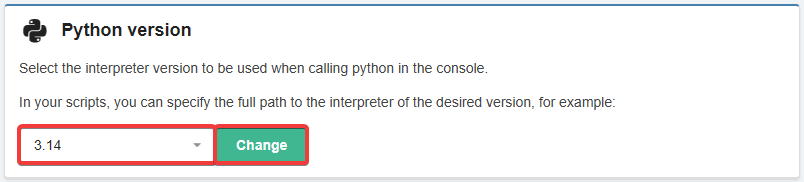
Go version
Attention!
Full functionality of Go is supported only on business hosting. On shared hosting, Go can only be used in the console; you cannot run sites or apps that need to listen on ports and be accessible from the outside.
In the "Go version" block, the version of Go that will be used in the console is set: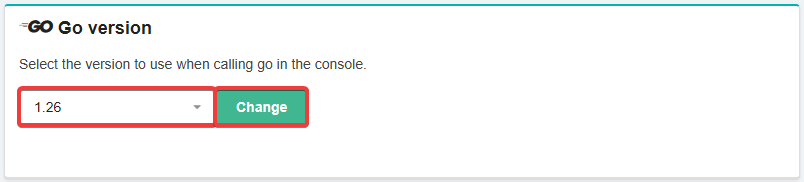
Aliases
In the "Nicknames" block, you can add your own aliases: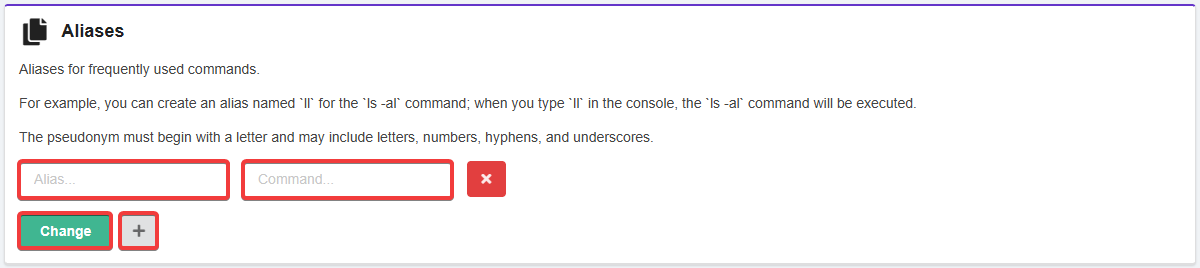
- Alias — the name of the alias.
- Command — the command that will be executed when the alias is run.
- ➕ — adds a row for another alias.
After entering the required information, click "Change" to save the changes to .bashrc. These changes will be applied automatically to new SSH connections. If your console was open before making the changes, run the command source ~/.bashrc or its shorthand version . ~/.bashrc to apply the new settings, or simply reconnect.
Default outgoing mail
Attention!
If no mailbox is selected, the account email is used as the default, which may cause problems with the "From" header.
In the "Default outgoing mail" block , select a mailbox that will be used by default in the "From" header when sending mail without authorization, if the header is not specified otherwise, and from which cron job reports are sent: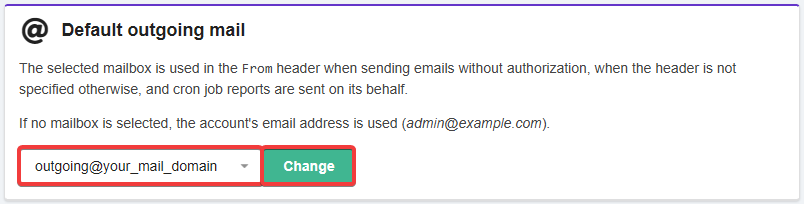
Hanging processes
In the "Hanging processes" block, you can forcibly terminate all hosting account processes using the "Terminate all processes" button: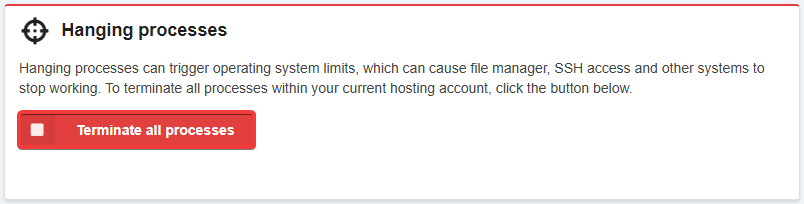
Reset settings
The settings are automatically reset if, at the moment of connection using the file manager, the contents of the
.bashrc file are incorrect.
When you click the "Reset settings" button, the following happens:
- The latest available versions of PHP, Node.js, Python, and Go are set.
- All aliases are removed.
- The default
.bashrcand.bash_profilefiles are restored. - The selected outgoing mail server is removed.