إدارة ملفات تعريف الارتباط المستخدمة للإعلان، مثل تخصيص الإعلانات وتجديد النشاط التسويقي وتحليل أداء الإعلان.
1.18. Simultaneous login to multiple accounts
Important points:
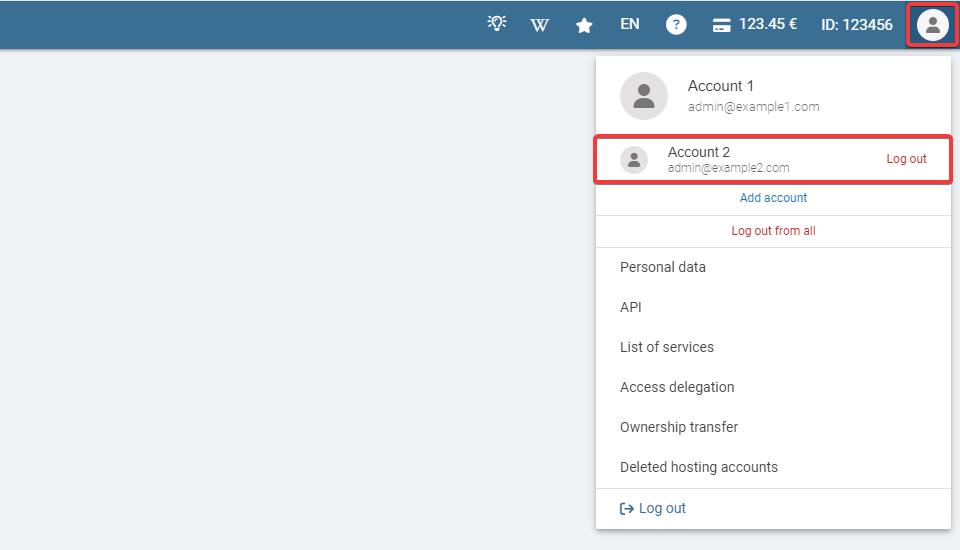
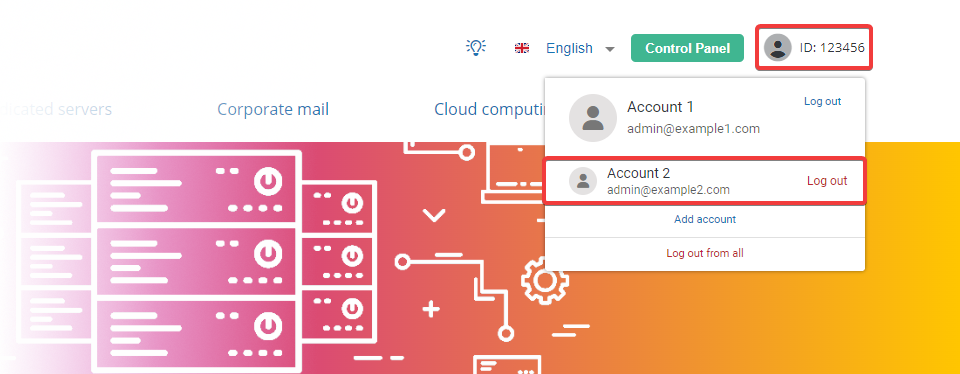
- Adding an account, switching, and logging out occur simultaneously in the control panel and on the main site.
- Authorizations are saved only in the current browser. In another browser or on a different device, accounts will need to be added separately.
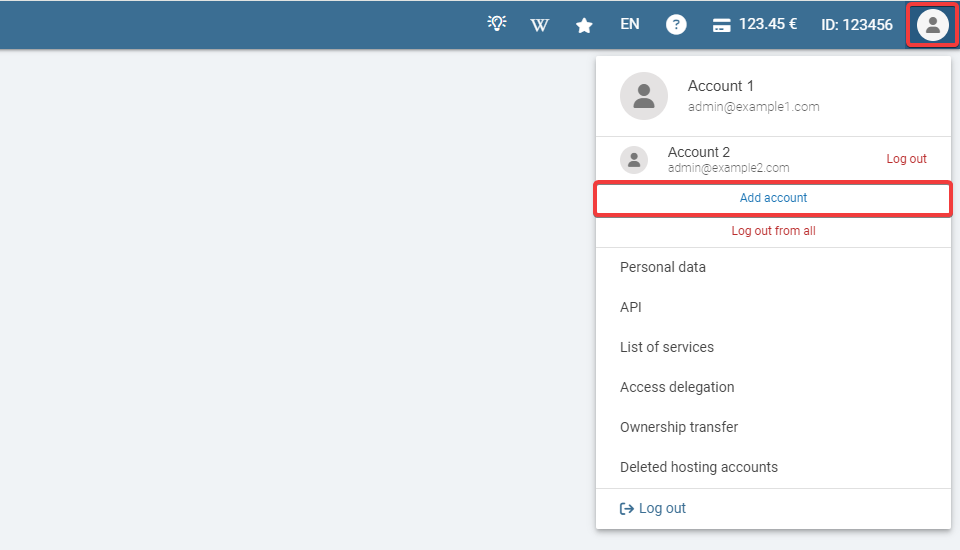
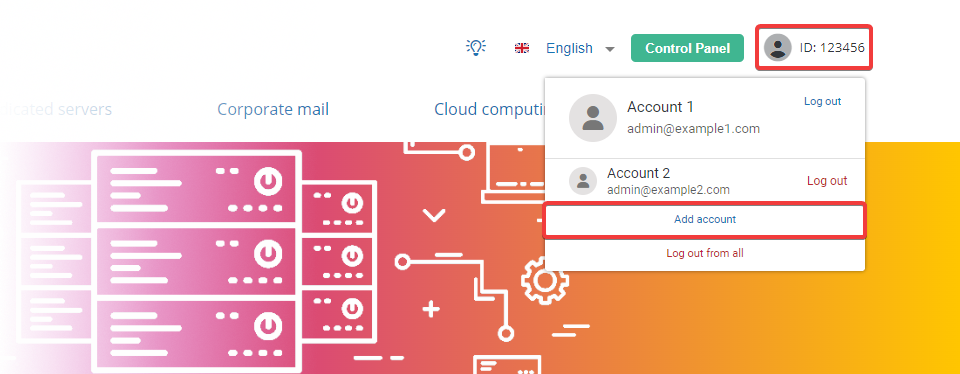
Add account
- In the account menu, click "Add account":
- Log in to the account you are adding.
- After authorization, the added account will become the current one, and all previously added accounts will be displayed in the list below.
Switch between accounts
- In the account menu, click on the desired account in the list of added accounts:
- The selected account will become the current one, and the previous account will be displayed in the list below.
Log out of account
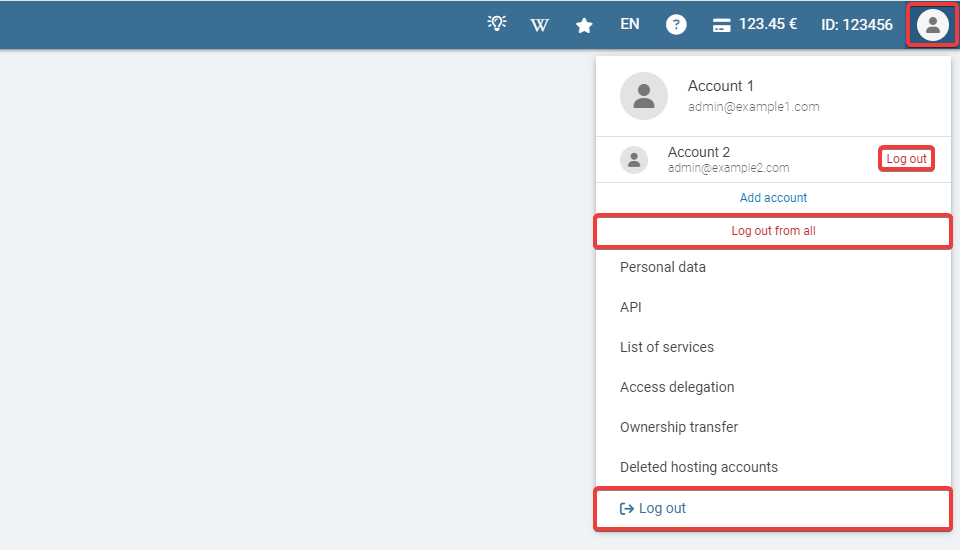
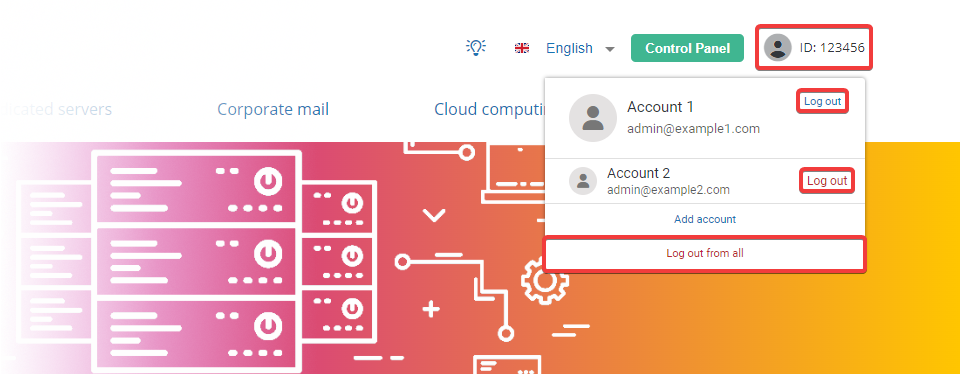
In the account menu, click "Log out," or click "Log out of all" to log out of all accounts at once: